

 Greenlight / Kids & Teens...
Greenlight debit card review: A financial app for kids and teens helping parents teach their children about managing money and investing.
What is Greenlight?
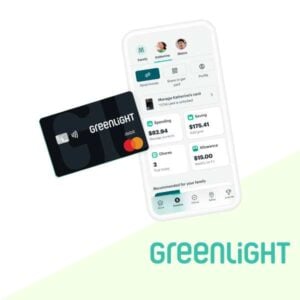
Greenlight is a family-focused financial app and debit card designed to teach kids and teens how to manage money responsibly.
| Name | Best For | Cost | Get Started |
|---|---|---|---|
| Greenlight Debit Card | Helping kids and teens learn money management with a debit card designed for budgeting, spending, and saving. | $5.99 Monthly | Get Started with Greenlight |
| Greenlight Max | Offers advanced financial tools, including investing options for kids and priority support for families. | $9.98 Monthly | Get Started with Greenlight Max |
It provides a hands-on approach to financial education, allowing parents to supervise and guide their children’s financial habits.
Here’s what you get:
- A Greenlight debit card: Kids can customize their card design, adding a personal touch.
- Parental Controls: Set spending limits, approve transactions, and receive real-time notifications.
- Earn Interest: Kids can earn interest between 2-3% per year on savings.
- Investing for Kids: Allows children to invest in stocks and ETFs with parental approval (Max & Infinity plans).
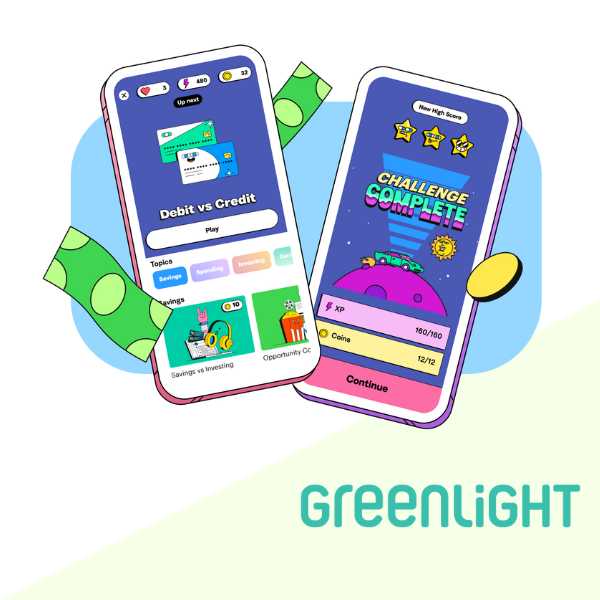
- Financial Education: In-app lessons and tips teach kids the value of budgeting, goal-setting, and investing.
Launched in 2017, Greenlight has become a trusted tool for millions of families, offering young users a secure and interactive platform.
How Greenlight App Works
Greenlight operates through a mobile app. Parents oversee and control the account, empowering their children to learn about money while maintaining security.
Greenlight Debit Card
As a Greenlight parent, you can:
- Transfer money instantly to your kids
- Turn the card off via the Greenlight app
- Receive alerts whenever the card is used
- Set store-level spending controls to help kids learn to budget
- Automate allowance payments
- Manage chores (and instantly reward a job well done)
Greenlight Investing for Kids
The Greenlight app is more than a debit card. It’s an all-in-one money app for families.
- Buy fractional shares of their favorite stocks with any amount, starting at $1
- Kids can research and decide on what stocks to buy
- Parents must approve of the stock trade
- No trading fees
Key Features
- Money Management Tools: Includes options for spending, saving, investing, and giving.
- Allowance & Chores Management: Automate allowance payments or tie earnings to completed chores.
- Flexible Controls: Parents can set limits on ATM withdrawals and spending categories.
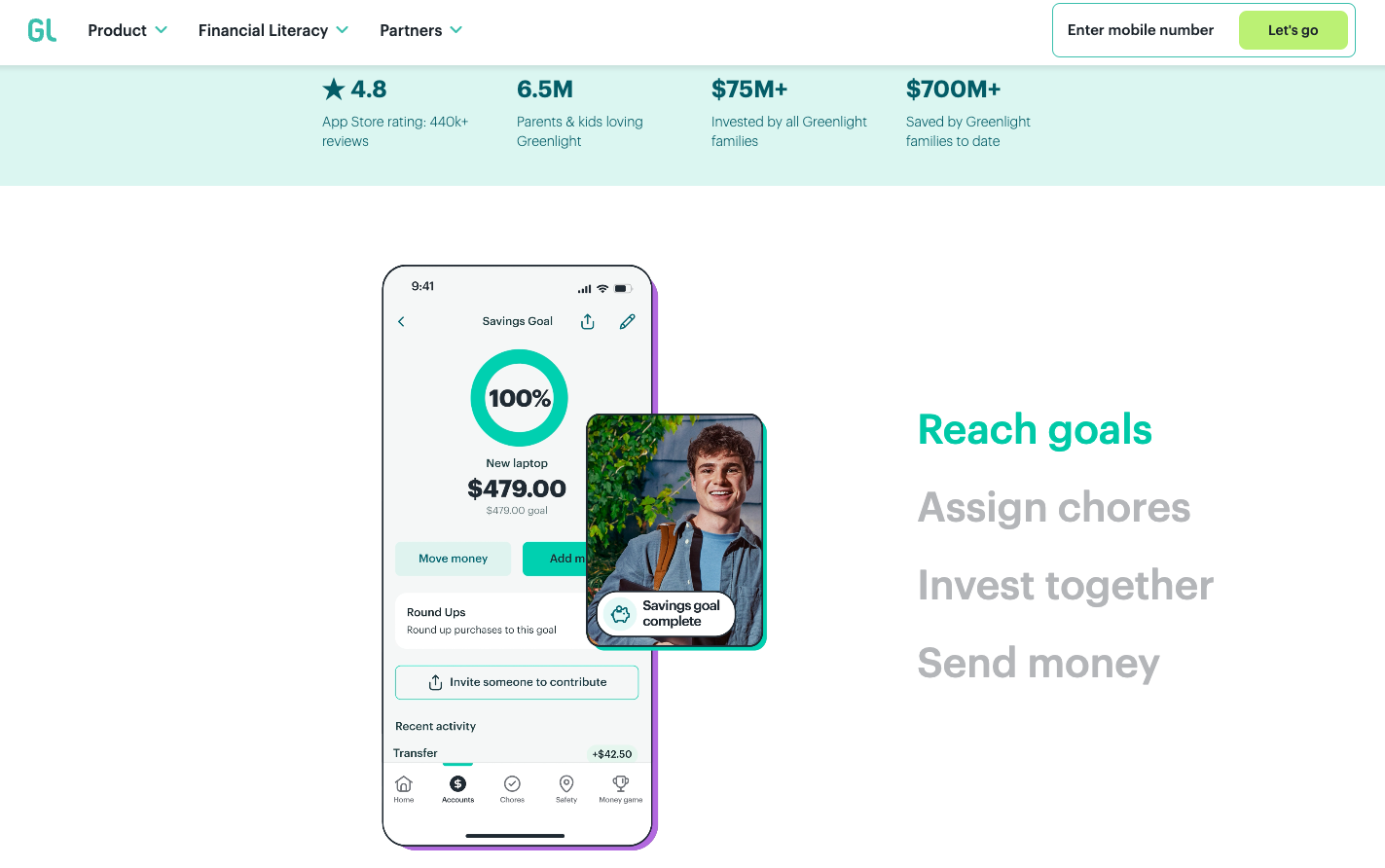
- Savings Goals: Helps kids set and track savings goals, fostering a sense of achievement.
- Real-Time Notifications: Parents receive updates on all transactions for complete oversight.
- Charitable Giving: Encourage generosity by letting kids donate to causes they care about.
Pricing
Greenlight offers three pricing tiers to meet different family needs:
- Greenlight Core – $5.99/month
- Includes the debit card, chore management, savings, spending, and giving tools.
- Greenlight Max – $9.98/month
- Adds access to the investing platform for kids.
- Greenlight Infinity – $14.98/month
- Includes all features plus advanced tools like identity theft protection and cell phone insurance.
Greenlight Pros and Cons
Pros
- Comprehensive money management tools covering saving, spending, investing, and giving.
- Parents access and control transactions.
- Integrated financial education made for kids
- Introduces kids to stocks and ETFs with parental guidance.
- Personalized debit cards and spending categories.
Cons
- Requires a subscription, which may not suit all budgets.
- Requires wifi to access most control functions.
Who is Greenlight Debit Card Best For?
Greenlight is ideal for parents who want to teach their kids about money and investments. The Greenlight debit card is suited for kids between 8 and 18 years old.
How to Get Started
Getting started with the Greenlight app is simple:
- Sign Up: Visit the website or download the app to create an account.
- Choose a Plan: Select the pricing tier that best fits your family’s needs.
- Set Up Accounts: Add your kids, link a funding source, and order their debit cards.
- Customize Settings: Set spending limits, assign chores, and establish savings goals.
- Wait for your Greenlight debit card: Help your kids learn money management while you supervise via the app.
Greenlight Review
The Greenlight app’s intuitive interface, parental controls, and versatile offerings make it a top choice for teaching kids and teens about financial responsibility.
Greenlight debit card is a legitimate service and not a scam.
It has a 3.8 rating on Trustpilot with over nearly 6,000 reviews. Most Greenlight complaints were about the time needed to transfer money from an external checking account to the Greenlight app.
In the App Store, the Greenlight app gets a 4.8 rating with over 400,000 user reviews.
Our review of Greenlight found that it’s a standout financial tool for families, combining hands-on money management with robust educational features. From managing chores to tracking goals, the Greenlight app combines modern technology with practical tools to help families.
While the subscription fee might be a barrier for some, the value of its comprehensive tools and educational benefits can be justified.
Greenlight Debit Card Alternatives
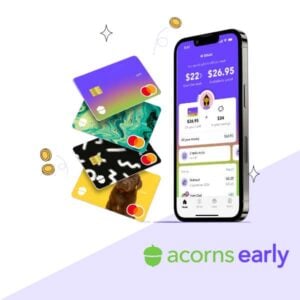
- Acorns Early: Customizable debit card, chore tracking, money lessons, and parental controls. Get started with Acorns Early.
- FamZoo: Family banking system with prepaid cards and budgeting tools. Get started with Famzoo.
We appreciate your honest feedback. Share your real experience to help others make confident money decisions.


Jason Vitug –
Greenlight offers a unique way to teach kids about money management with real-life spending and savings. Parental controls are helpful in ensuring that parents and kids communicate. The Greenlight app features are robust and cater to different aspects of financial education, from chore management to budgeting and savings goals. It definitely is worth a deeper look to determine how it can help your child learn about money.